LEGO App
Project Description
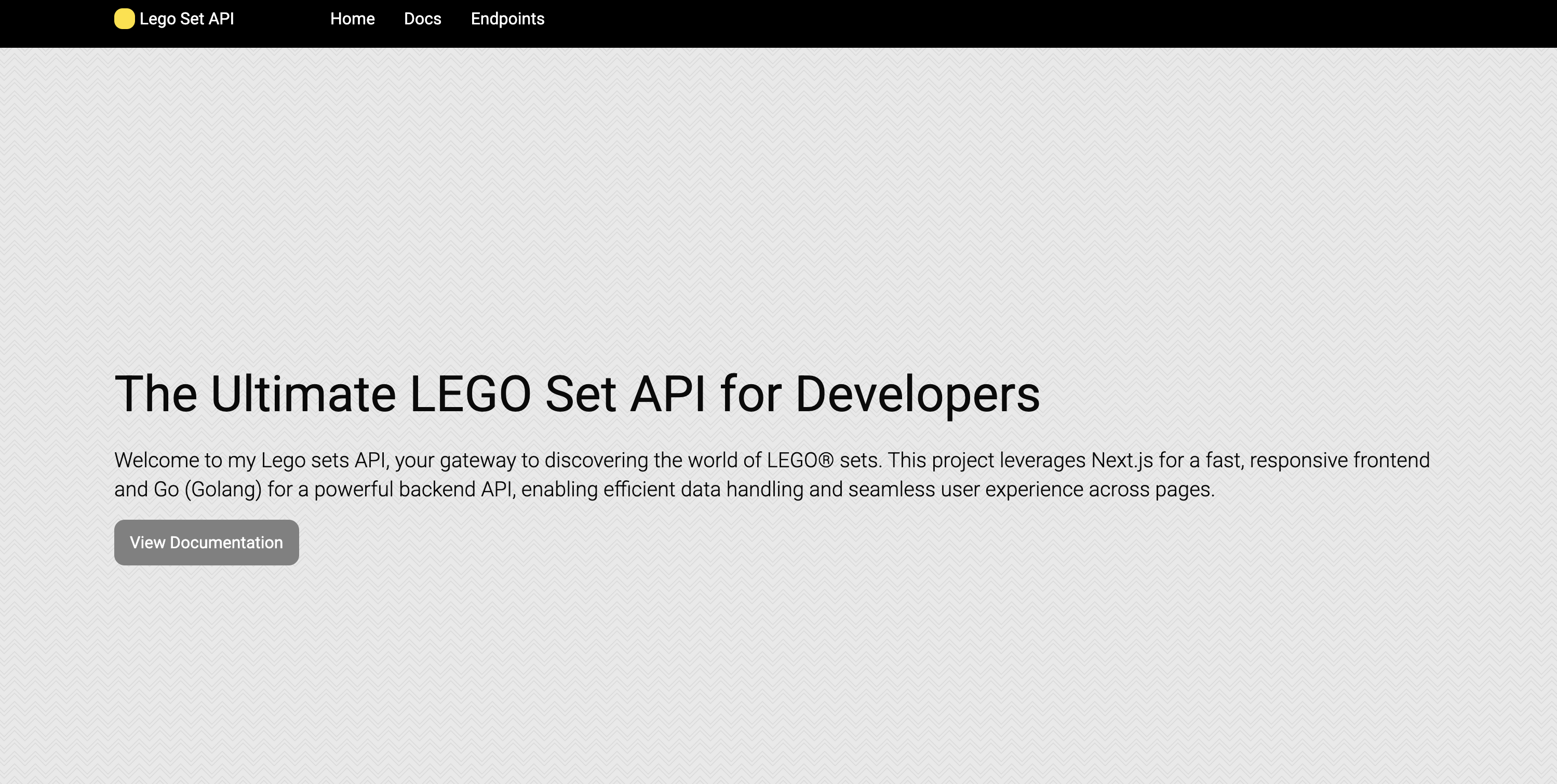
LEGO App is a web application built with Next.js for the frontend and Go (Golang) for the backend API. The app displays LEGO sets and their details, including their names, themes, prices, and images. It fetches LEGO set data from a PostgreSQL database and provides an interactive UI to display this information.
This project demonstrates how to integrate a Go backend API with a Next.js frontend. It also showcases the use of tools like Swagger for API documentation and Vercel for deploying both frontend and backend in the same project repository.
Project File Structure
Here is the general file structure of the project:
/lego-app                  # Next.js frontend
├── /pages                 # Contains Next.js page files
│   ├── index.tsx          # Landing page (Home)
│   └── api                # Contains API route handlers (next.js API routes)
│       └── lego.ts         # Example API route for fetching LEGO data
├── /components            # React components used in the app
│   ├── Navigation.tsx     # Navigation bar component
│   └── LegoSetCard.tsx    # Component to display a single LEGO set
├── /public                # Public assets (images, etc.)
├── /styles                # Global styles (Tailwind, CSS, etc.)
├── /utils                 # Utility functions (e.g., data fetchers)
├── /swagger               # Swagger API documentation files
│   └── swagger.json       # Swagger JSON file for API documentation
└── next.config.js         # Configuration for Next.js app

/lego-go                    # Go (Golang) backend
├── /main.go               # Main Go file where the server starts
├── /api                   # Go API files (e.g., handlers, routes)
│   └── lego.go            # Go code for handling LEGO data API
├── /models                # Go structs for models (e.g., LEGO set model)
└── .env                   # Environment variables for Go (e.g., PostgreSQL URL)
Getting Started
Prerequisites
- Node.js (for Next.js frontend)
- Go (for Go backend)
- PostgreSQL (for storing LEGO set data)
Installation
1. Clone the repository
git clone https://github.com/jabercrombia/lego-app.git
cd lego-app
2. Setup Go backend
- Navigate to the
lego-godirectory:
cd lego-go
- Install Go dependencies:
go mod tidy
- Setup environment variables by creating an
.envfile (make sure to specify thePOSTGRES_URL):
touch .env
# .env file
POSTGRES_URL=your-postgres-database-url
3. Setup Next.js frontend
- Navigate to the
lego-appdirectory:
cd ../lego-app
- Install dependencies:
npm install
Running the Application
1. Start the Go backend API:
cd lego-go
go run main.go
This will start the Go API on http://localhost:8080.
2. Start the Next.js frontend:
cd lego-app
npm run dev
This will start the Next.js frontend on http://localhost:3000.
API Documentation
You can view the Swagger API documentation at /docs endpoint in the browser.
License
MIT License